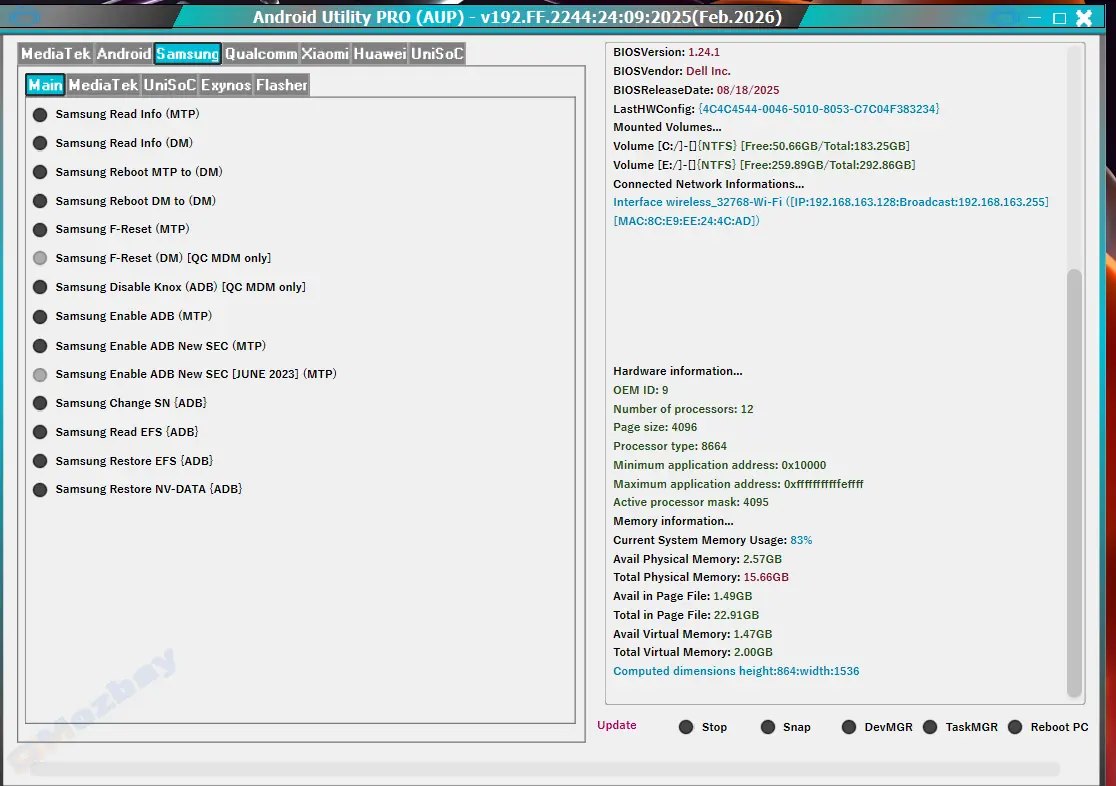
The Samsung USB Driver for Mobile Phones is an essential software utility that allows Windows computers to detect and communicate with Samsung Android devices seamlessly. Whether you’re flashing firmware, transferring files, or using tools like Odin, this driver ensures a smooth and reliable connection between your smartphone and PC. Without it, your computer may fail to recognize your device — making tasks like rooting, data backup, or firmware repair impossible.
Installing the Samsung USB Driver for mobile phones ensures your computer correctly recognizes your device during firmware flashing, unlocking, or IMEI repair. It eliminates the risk of connection errors or device not found issues, which are common when using outdated or generic drivers. Technicians, developers, and everyday users rely on this driver for stable communication between their PC and Samsung devices.
Download the driver setup file from a trusted source.
Extract the ZIP file (if compressed) and locate the .exe installer.
Run the setup as an administrator.
Follow the on-screen instructions and wait for the installation to complete.
Restart your computer to finalize the process.
Connect your Samsung phone via USB cable — your device should now be detected instantly.
Benefits of Using Samsung USB Driver
Hassle-free firmware flashing using Odin or other tools.
Smooth file transfer between PC and Samsung mobile devices.
Stable ADB and Fastboot connection for developers.
Prevents driver conflicts and connection failures.
Works with 32-bit and 64-bit systems efficiently.
If you’re a Samsung user or smartphone technician, installing the Samsung USB Driver for Mobile Phones is a must. It guarantees reliable device recognition, smooth file transfers, and zero communication errors during repairs or firmware updates. Download it today to make your PC-Samsung connection fast, stable, and effortless.
This item is available for free download. You may download and use it according to the free item policy.
Published:
Nov 03, 2025 05:51 AM
Version:
v1.9
Category: