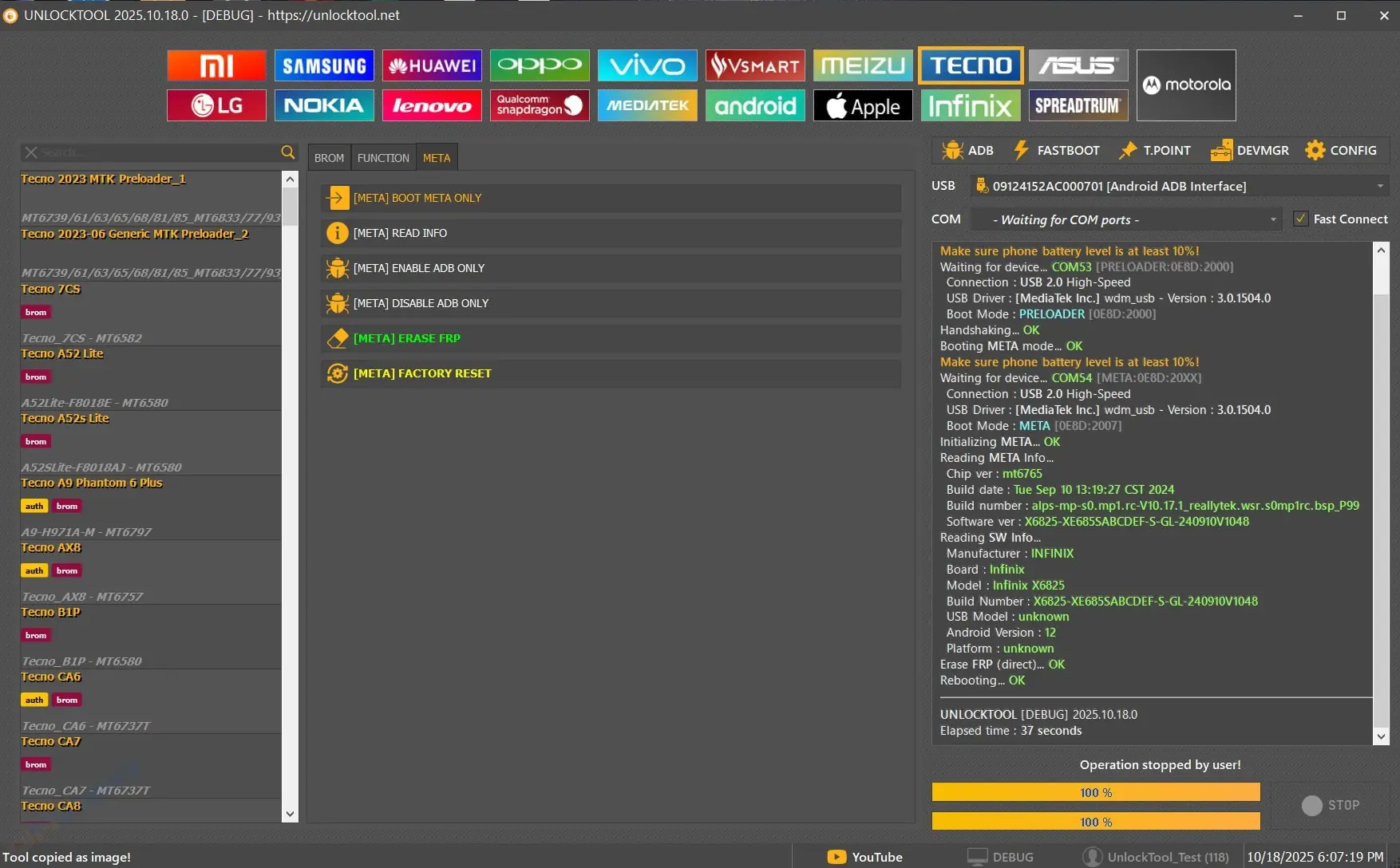
TFT Unlock Tool Server Download Updated (2025 Version) is a powerful and reliable software utility designed for Android technicians, repair shops, and enthusiasts who need to unlock or service mobile devices with ease. This latest version comes with improved compatibility, faster connection speed, and added support for newer Android models and security patches.
The TFT Unlock Tool Server provides a professional-level solution for removing screen locks, FRP (Factory Reset Protection), Mi Account, and pattern locks from various brands such as Samsung, Xiaomi, Oppo, Vivo, Realme, and Huawei. It supports both Qualcomm and MediaTek (MTK) chipsets, ensuring maximum flexibility for every repair task.
Latest Server Update: Includes 2025 server-side improvements for faster unlocks and better success rates.
Wide Device Support: Works with thousands of Android devices from popular brands.
FRP & Pattern Unlock: Instantly remove FRP locks and pattern/password locks.
No Need for Flashing: Unlock without flashing firmware or losing user data (in many cases).
User-Friendly Interface: Simple layout and one-click operations for beginners and experts.
Regular Updates: Always synced with the official TFT server to ensure compatibility.
Free Download & Activation: Easily accessible with updated drivers and setup files.
Using the TFT Unlock Tool Server Download Updated version allows technicians to save time and handle multiple devices with minimal effort. It automates complex unlocking tasks and eliminates the need for expensive dongles or hardware boxes. Whether you’re fixing FRP-locked Samsung phones or repairing IMEI issues, this tool delivers reliable results every time.
Moreover, the tool’s new server technology ensures faster responses and fewer connection errors, making it a trusted companion for GSM repair professionals worldwide.
1. What is TFT Unlock Tool Server Download Updated?
It’s the latest version of the TFT Unlock Tool that connects to the official server to unlock Android devices, remove FRP locks, and fix various software issues.
2. Is the TFT Unlock Tool Server Download Updated free?
Yes, it’s available for free download. However, some advanced functions may require server login or credits depending on the task you perform.
3. How do I install the TFT Unlock Tool Server Updated version?
Simply download the ZIP file, extract it, install drivers, and run the tool as Administrator. Then connect your device and select the desired unlock option.
Download the TFT Unlock Tool Server Updated setup file from a trusted source.
Extract the ZIP file and run the installer as Administrator.
Install required USB and ADB drivers.
Launch the tool and connect your device via USB.
Select the unlock or repair option and click “Start.”
Wait for the process to complete, and your phone will be unlocked successfully.
Call to Action:
PASSWORD IS TFT
Ready to unlock your Android devices faster? Download the TFT Unlock Tool Server Updated 2025 today and experience seamless unlocking with server-level performance.
This item is available for free download. You may download and use it according to the free item policy.
DownloadLast Update:
Oct 28, 2025 05:49 AM
Published:
Oct 28, 2025 06:32 AM
Category: