
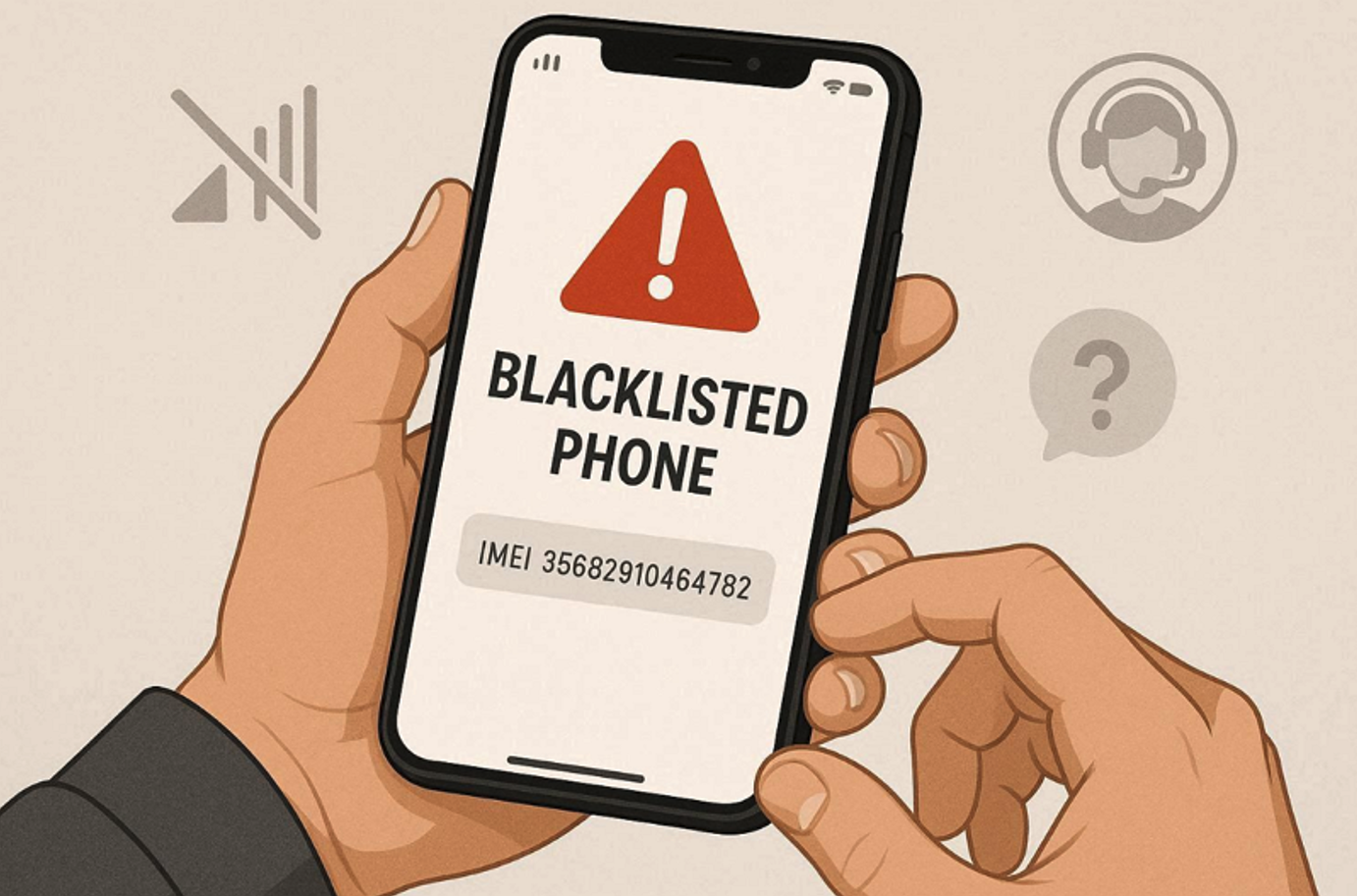
Always check the IMEI of the used phone before Paying any money.
Purchasing a used mobile phone can save you a good deal of cash, but there is also a pitfall that few buyers even consider until the damage has already been done. A major one of these issues is the possibility that the used handset is a stolen item. When a stolen phone is placed on a mobile carrier blacklist it becomes little more than a very expensive brick; it's useless for making calls, has no use with any mobile network provider, and sometimes may even struggle to even run software updates. Being able to find out if a used phone has been reported stolen is crucial and will potentially save you a significant sum of money, and this is how you find out for sure:
Why Stolen Phone Checks Matter More Than You Think
The used phone market is buzzing right now. Facebook Marketplace, eBay, Craigslist, local shops all have a constant supply of what seem like bargains. But, it's worth knowing that not all sellers are legitimate. Devices are sold days or even hours after being stolen-sometimes even before they have even been officially reported to be stolen.
The moment that stolen phone is reported by its true owner, that phone's IMEI number (its unique serial code) is added to a shared system and that phone is permanently blocked from using all involved carriers networks. By the time that it is sold to you, that phone is useless for any carrier provided plan. In most cases, there is absolutely no recourse available in the courts to get a refund from a private seller, and when there is, it can be a long, tiring process.
But it isn't just the loss of money that poses a threat; the handling of stolen goods can also cause a problem. Some countries' legal system does penalize possessing stolen goods (knowingly or unknowingly). Taking a moment to check protects you on both sides of the argument.
What Is an IMEI Number and Where Do You Find It
The IMEI, International Mobile Equipment Identity, is a 15-digit number used to identify each handset on the planet. It's like the serial number, but it accompanies the phone with you wherever you go, and does not rely on which SIM card is currently in the handset.
There are a few ways of locating the IMEI of a handset you might wish to purchase: if the handset is turned on you simply press *#06# into the keypad and the number is displayed on the screen; on the settings menu (depending on which operating system is loaded onto the handset, there will be settings options on Android either named 'About Phone' or 'General', iPhones will list it under Settings>General>About), or if the handset is in the original packaging it is located on the outside of the box.
Ask a potential seller for the IMEI number before you meet up with them or agree to buy their handset. No reputable seller will have any issue providing you with this information and this is likely to be a definite sign you should be wary if they cannot provide you with the number.
How to Check If a Used Phone Is Stolen Using Free IMEI Tools
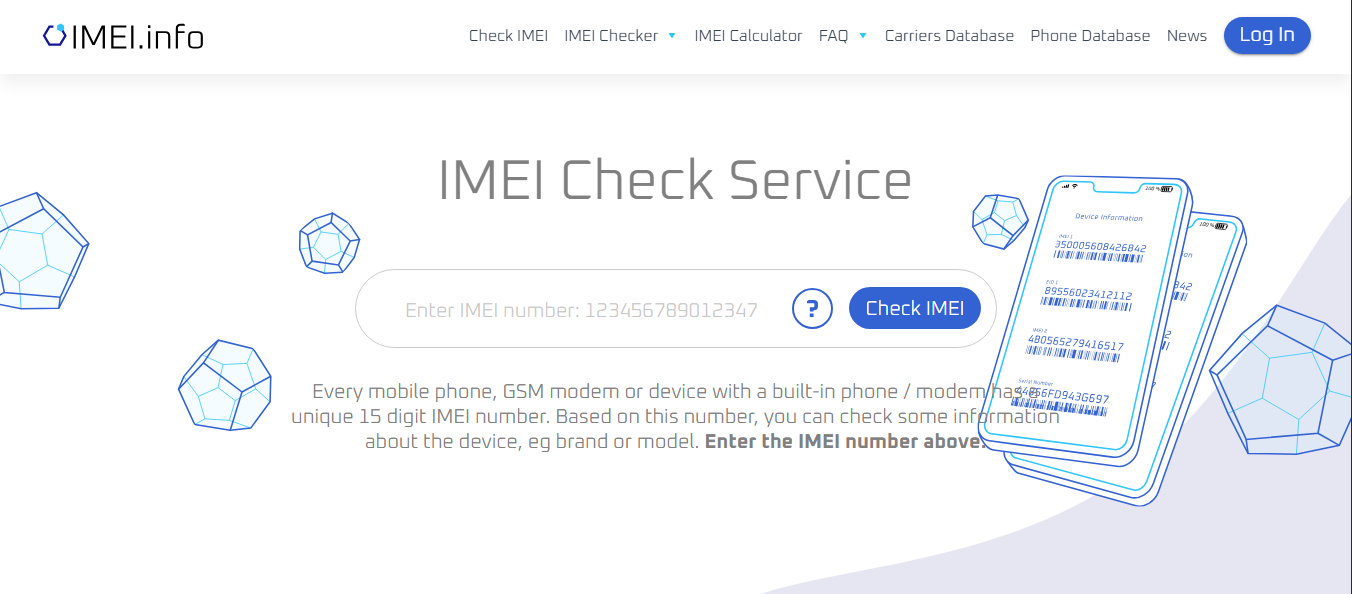
Free IMEI lookup tools let you verify a phone's status in minutes.
Once you have the IMEI, checking it only takes a few minutes. Several reputable services let you run a stolen phone check for free or for a small fee, and they pull data from carrier blacklists and international databases.
GSMA Device Check
The GSMA Device Check is one of the most trusted free tools available. The GSMA (Global System for Mobile Communications Association) maintains the global database that network operators use, so checking here gives you direct access to the same data carriers rely on. It is straightforward: enter the IMEI, complete a quick verification, and receive a result indicating whether the device has been reported lost or stolen.
Swappa's ESN/IMEI Checker
Swappa's free IMEI checker is another solid option. It checks against multiple databases and provides information on whether the phone is blacklisted, the carrier it is locked to, and basic model details. Swappa itself is a used phone marketplace that requires sellers to pass an IMEI check before listing, which gives it a reputation for being lower-risk than open platforms.
IMEI.info
IMEI.info offers both free and paid lookup options. The free report will tell you the manufacturer of the phone and the blacklists status (for some areas). The paid check is a much more in-depth report including carrier locks, warranty information, and country of origin. For expensive phones the cost of a few dollars for a full report is well worth the few dollars to pay.
CheckMEND
CheckMEND is widely used in the UK and checks against police databases, insurance records, and network blacklists simultaneously. It costs a small fee but is one of the most thorough single reports available. If you are buying from someone in the UK or the phone was originally purchased there, this is particularly useful.
Contact the Carrier Directly
The IMEI checkers are a handy thing, but are not always completely current. It can take a while for carriers to put data into shared databases so that a phone reported stolen a very short time ago will not be blacklisted on a third party checker.
Calling the carrier the phone is locked to and asking them to run an IMEI check directly is one of the most reliable approaches. Most major carriers will do this over the phone or via their website. In the US, carriers like AT&T, T-Mobile, and Verizon each have policies in place to assist with these checks. In the UK, you can use the industry-backed CheckMEND service or contact the carrier directly.
If the phone is unlocked and you cannot identify the original carrier, services like IMEI.info can often tell you which network issued the device based on the number alone.
Check the Find My Device Status
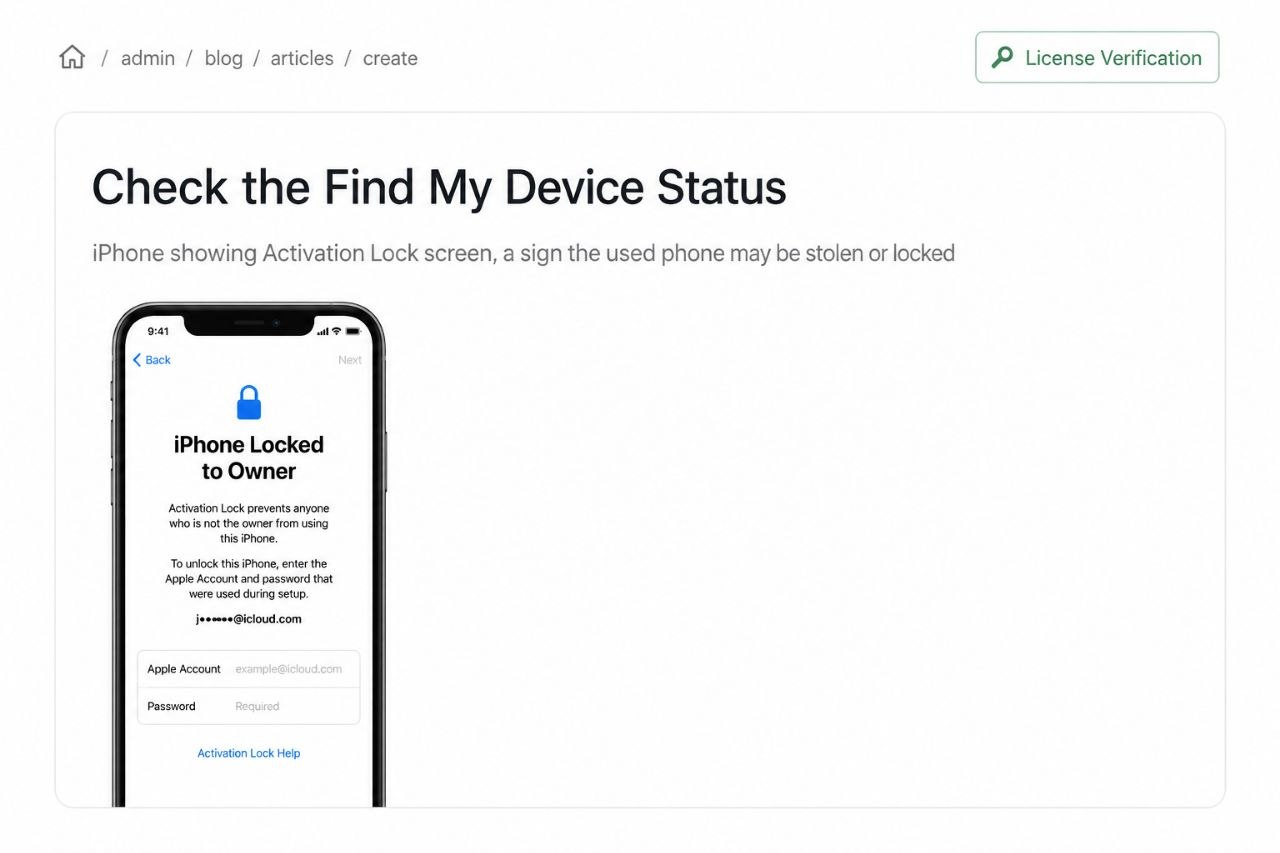
An Activation Lock screen on an iPhone is a major red flag when buying a used phone.
Beyond carrier blacklisting, both Apple and Google have built-in tools that can lock a phone to its original owner's account. If these are still active on a used phone, the device is effectively unusable for you, whether or not it has been reported stolen.
Apple Activation Lock
Apple's Activation Lock ties an iPhone to the owner's Apple ID. When you turn on a phone protected by Activation Lock, it asks for the original owner's Apple ID and password before it can be used. You can check whether Activation Lock is active on a used iPhone before buying by visiting Apple's coverage check page and entering the serial number. If it shows as activated, ask the seller to disable it remotely before completing the sale.
Google's Find My Device
Android phones also rely on a similar Find My Device system from Google, which links your phone with a Google account. Unlike Apple, the system doesn't offer such an iron-clad lock but even if a phone remains signed into an account of a previous owner, there can still be problems. At start-up after the factory reset, you may be asked to enter the Google account details of the previous owner. Request that the seller sign out of his Google account and do a factory reset before you hand over the phone.
Red Flags to Watch for When Buying a Used Phone
In addition to how to check if a used phone has been stolen, one should also be familiar with the tell-tale signs of what to look for even prior to the number crunching. Some of the signs of a sale to be cautious of:
The price itself should be a dead giveaway. If a phone being sold is worth $700 yet being sold for $150 with no explanation for the drastic price reduction, there is clearly a reason why it is being sold at that low price. Sellers unwilling to meet up in person, sellers that refuse to show a functioning phone, or sellers that cannot provide purchase information, accessories, or a box should be examined with an open, wary eye.
Keep your eyes peeled for sellers that require that they "just need to wipe it" before you see the phone or seller who cannot let you see a functioning phone until they remove the SIM card, in hopes you won't find the phone's connected accounts or correct IMEI number.
Also, look for inconsistencies with the IMEI. It's best practice to have the IMEI on the box, in the settings, and on the phone itself to all match. Mismatches may suggest the phone has been tampered with.
Buy From Reputable Sources When Possible
One of the most practical ways to reduce risk is to buy from platforms or stores that do the verification for you. Certified pre-owned programs from manufacturers like Apple's certified refurbished store or programs through major carriers offer devices that have been inspected, tested, and verified clean.
Marketplaces like Swappa and Back Market require IMEI verification before a phone can be listed. They aren't infallible, but they provide a very important level of recourse that doesn't exist on open platforms. Should the item you purchased from a site like these have something wrong with it, the disputes and resolution processes involved will be significantly more structured than a Craigslist hand-off.
If meeting a local seller in person, you can meet at the carrier store. Some carriers are willing to allow a brief check on the spot if you're walking in with the phone, and this will prevent any kind of swap between agreement to meet and the exchange.
What to Do If You Have Already Bought a Stolen Phone
If everything has been done correct but you've still been shipped with a blacklisted device, take action now. For the first, don't use the device on mobile networks because that won't change a thing, it could only draw even more attention if the police decide to check up on you due to legal issues in your location.
Contact your local police department. Even if you weren't aware, you may have protection through the law by having a police report filed and you can contribute to building a case against the seller. If you paid for the device through a service or online retailer, file an immediate dispute with them, showing the results from the IMEI check as your evidence.
Contact your bank or credit card company if you've paid by card. Depending on the circumstances of your payment and the financial institution you use, many banks offer support for a chargeback request in a fraud case especially if you have proof that the product was not accurately depicted.
Lastly on Buying Used Phones Safely
In conclusion, it only takes ten minutes or less and will spare you hundreds of dollars (and significant heartache) to check that a used phone isn't stolen before you buy it. Use one of the IMEI checkers like the GSMA Device Check or Swappa checker, call the carrier if you're still not confident, make sure Activation Lock/Find My Device are disabled, and use your common sense if a deal just seems too good to be true.
The used phone market does have a lot of great deals and honest sellers. By entering it informed you'll be able to snatch those deals and avoid being the poor sap stuck with a phone that doesn't make calls.
Comments (0)